bladerunnaz
web store & event platform — how to start a merch store...
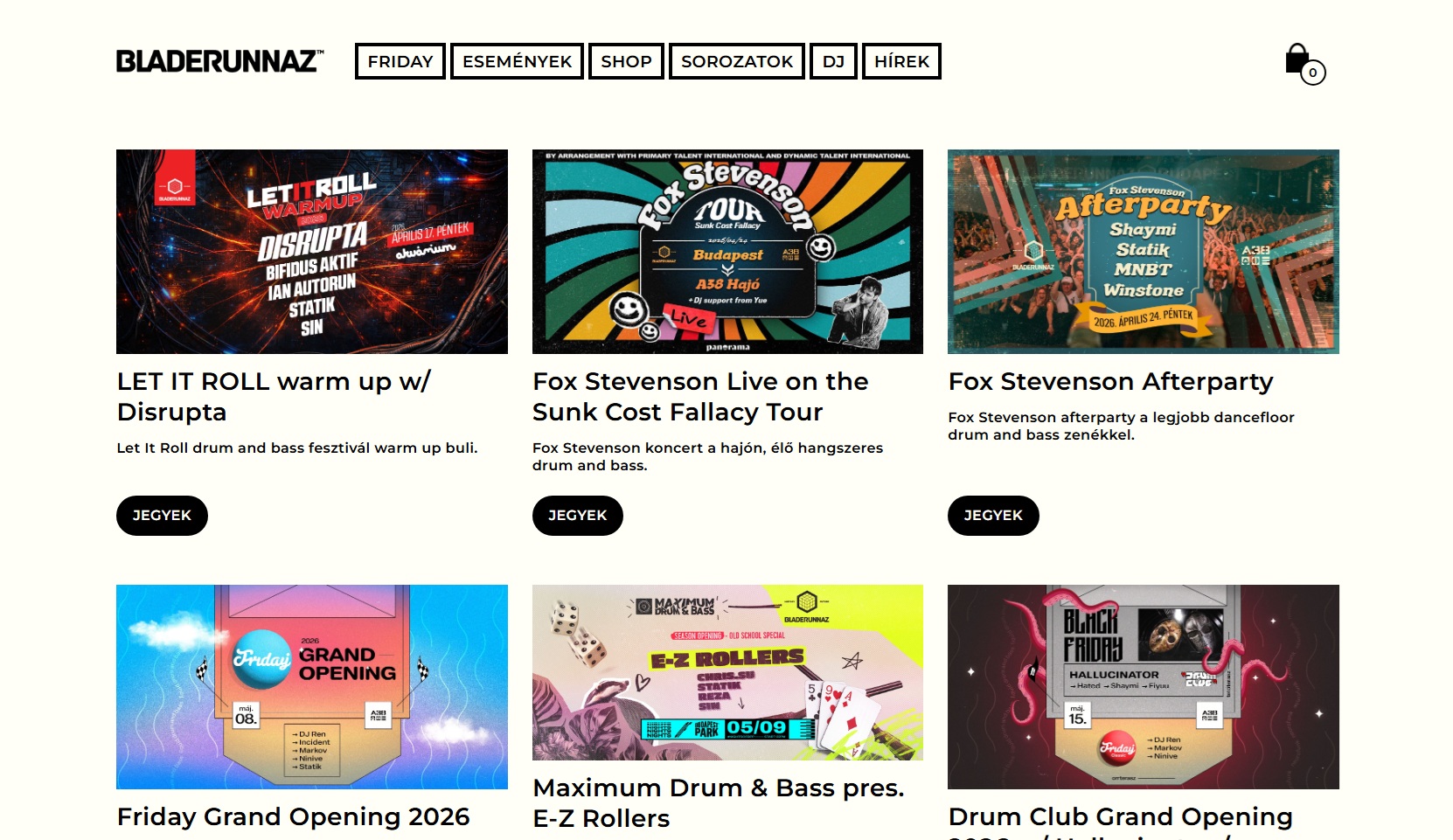
An e-commerce and event platform designed for a niche community — streamlined, frictionless purchasing with externally managed data and a lightweight admin system.
Event-driven commerce, built for speed and simplicity.
key features
Each feature is a standard solution for merchandise stores and this type of sale, refined to require minimal administrative effort.
No registration required
Requiring an account before purchase is the most common reason web stores lose casual buyers. The entire order flow — from cart to confirmation — runs without creating a user account. A session identifier handles the cart; the email address handles order comms.
There is no friction at the point of intent. The design reflects that — minimum fields, no password screen, no distraction. Optionally a user creation process is available after the purchase.
Stripe integration
Payments are handled through Stripe's hosted checkout. The store never touches raw card data. Stripe handles PCI compliance, declined card messaging, and retry logic. On successful payment, a webhook triggers the order confirmation and invoice pipeline.
Supported methods include card, Apple Pay, and Google Pay. Currency and tax settings are configured per market in Stripe rather than in the application, keeping the integration lean and rules-based.
Automatic invoice generation
Every completed order triggers an invoice automatically. Line items, VAT, shipping cost, and any applied discounts are calculated and formatted server-side. The invoice is attached to the confirmation email as a PDF.
No manual invoicing by the store team. No chasing customers for their details after payment. The invoice is generated from the order data at the moment of payment confirmation and requires no further action.
administration
The store is managed almost entirely through external data sources. The admin team doesn't manually enter products, stock levels, or event details — they maintain the source files or spreadsheets, and the system syncs.
External stock & product import
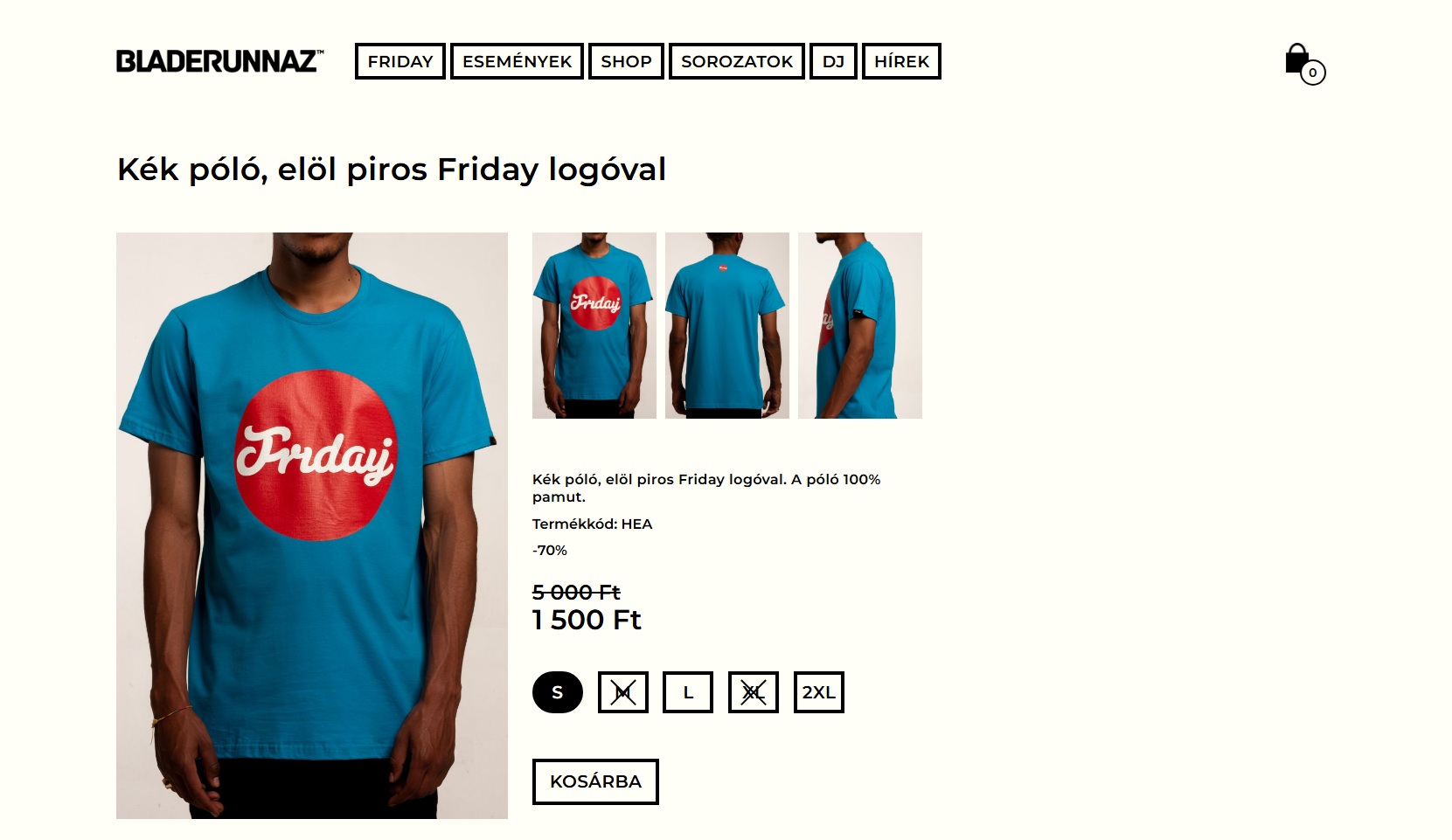
Products, variants, images, pricing, and stock levels are imported from an external source — a spreadsheet, a CSV, or a third-party system. The import maps columns to fields and handles variant structures automatically.
- Products with multiple variants (size, colour)
- Per-variant stock levels
- Product images linked by ID
- Multiple price types (regular, reduced, event‑only)
Multiple reduced price types
The import supports more than one discount type per product. A product can carry a standard price, a member price, an event discount, and a clearance price simultaneously of for limited time period. The correct one is shown to the right customer in the right time and context.
- Standard list price
- Event-specific promotional price
- Clearance / end-of-line price
Event administration
Events are managed through a dedicated admin section. Each event has a date, location, and description.
- Create and publish upcoming events
- Archive past events
have an idea?
let's make it work.
Send us a message and we'll get back to you quickly.